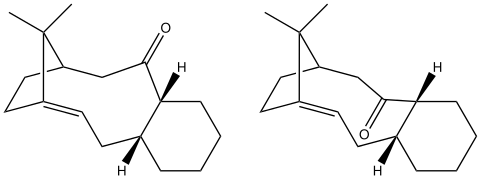
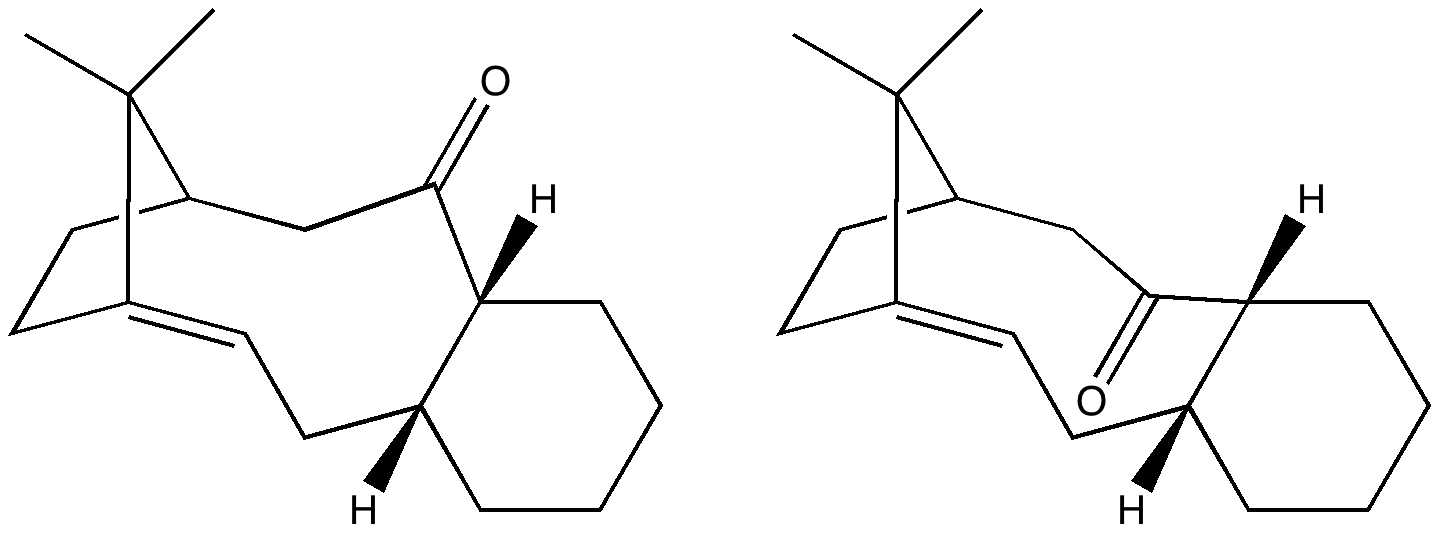
This is one of those topics that seems to crop up every three years or so. Since then, new versions of operating systems, new versions of programs, mobile devices and perhaps some progress?
Right, I will briefly recapitulate. Chemical structure diagrams are special; they contain chemical semantics (what an atom is, what a bond is, stereochemistry, charges, etc). One needs special programs to represent this. Take two well-known ones. ChemBioDraw V 13 is the latest in a long line dating back to 1985 or so. A newcomer is ChemDoodle, just updated to version 6. The idea is you express your molecule, and capture some of its semantics using one of these programs. And then paste the data into another veritable word processor, Word (also dating back to around 1984). Then send the Word document to a colleague. Who might want to copy the structure back out, and put it back into ChemBioDraw/ChemDoodle. And put those semantics to good use, by editing it, or re-purposing the information. This is round-tripping the data. Its been almost 30 years, surely the process should be seamless by now? Wrong!
One problem is that the “exchange-particle” is the clipboard, yet another ancient and presumed mature technology. Its invisible of course, we rarely get to see it. And very operating system specific! So what is the current state of play? Round tripping ChemBiodraw structures across a single operating system might work. Well, it currently does for just one of the two most common desktop operating systems (remember, Word is provided by the originator of one of these operating systems). The other program, ChemDoodle round trips within both operating systems.
But, here is the key point, not across operating systems. Paste either a ChemBioDraw or a Chemdoodle structure into Word on one of these OS, and try re-editing that diagram on the version of Word on the other OS. The data is lost unless you have the “right” operating system.
An experiment I have not tried, but regarding which I would welcome any feedback is to factor in the two newest operating systems, this time for mobile devices such as tablets and phones. Lets not even worry whether different flavours of one of these mobile OSs are compatible. Apps for drawing chemical structures are available for both of these. Here, the amazing clipboard still exists. One now has four OS to consider, and four homogenous permutations and a minimum of six heterogenous round trips the data could try to take for any given app. We do not even consider app2app transfers not involving discrete intermediate documents. I would predict that only a few of these permutations preserve round-tripped data and its semantics.
Perhaps we need to look at it in a different way? One simply avoids putting data from one program into another. Chemical data is kept in its own files, never mixed with data from other programs, but always kept/sent separately. Pre-1984 and the clipboard, this might have made sense. But in an era when XML was invented around 17 years ago to allow data to fully retain semantic information in any environment it finds itself in, it seems surprising that we still have this situation.
I mention all of this, since there is a current refocusing on the importance of data; “emancipating data” is now important. But the reality is that much current software destroys the semantics in data at almost every turn. Thirty years of no progress then. But what of Chem4Word, a combination of differently namespaced XML in which the chemistry is expressed in CML (it is only available for a single operating system!). I will perhaps devote a separate post to that one; first I have to try a few experiments!